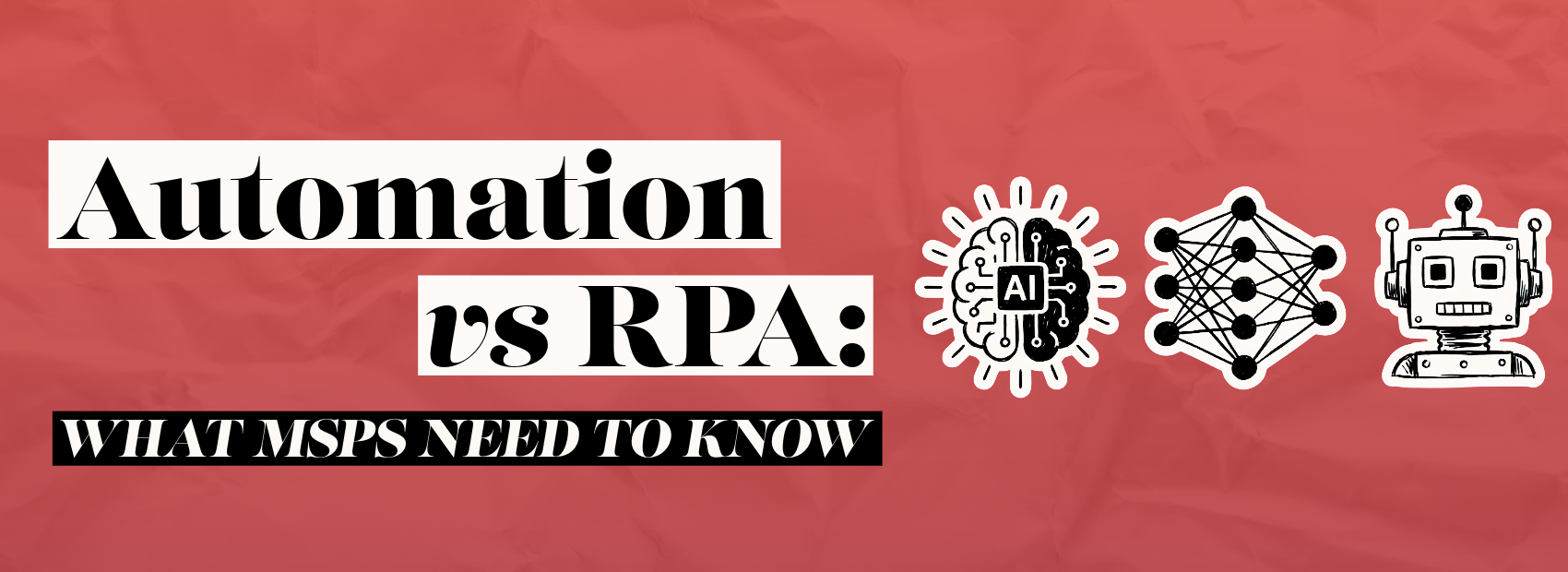
Automation vs RPA is a topic every MSP should understand before recommending new tools to clients. Although people often use both terms together, they do not mean the same thing.
For IT Service Providers, this difference matters. Clients want faster work, fewer errors, and better use of their people. However, they may not know which solution fits their business process.
As a trusted advisor, your role is not to sell automation. Instead, your role is to guide better decisions. Therefore, MSPs need a clear framework for explaining automation and RPA, and for clarifying where each belongs.
What automation vs RPA really means
Automation is the broader category. It includes any technology that completes a task with less human effort. For example, email workflows, ticket routing, billing alerts, and onboarding sequences all count as automation.
RPA, or robotic process automation, is more specific. It uses software bots to mimic human actions across systems. For example, a bot may copy data from one system into another.
Additionally, RPA often helps when older systems do not connect well. Many businesses still use legacy software, spreadsheets, portals, and disconnected tools. As a result, employees spend hours manually moving data.
The simplest way to explain it is this: automation improves a process, while RPA often mimics a person completing a task.
However, that does not make one better than the other. Instead, each solves a different problem. Therefore, MSPs should start with the business process, not the tool.
Why automation vs RPA matters for MSP clients
Many SMB clients feel pressure to do more with less. Labor costs remain high, customer expectations keep rising, and teams need faster answers. Meanwhile, many businesses still rely on manual work.
For example, a client may manually create users, send onboarding emails, update CRM records, and enter invoice data. Each task seems small. However, together they waste hours every week.
Automation can streamline the entire workflow. RPA can handle the repetitive steps inside that workflow. Consequently, both can improve efficiency when used correctly.
MSPs also benefit because this discussion moves the conversation beyond support tickets. Instead of only fixing issues, you help clients improve operations. As a result, you become part of their growth strategy.
That shift supports both brand awareness and demand generation. Furthermore, it helps sales teams create better business conversations. Clients do not just hear about tools. They hear about outcomes.
Common MSP use cases for automation vs RPA
MSPs can use automation and RPA internally and for clients. However, the best opportunities usually start with repetitive, rules-based work.
For example, MSPs can use automation for:
- Ticket triage and routing
- New user onboarding
- Password reset workflows
- Patch management notifications
- Agreement renewal reminders
- Client satisfaction follow-ups
- Sales and marketing nurture campaigns
In addition, RPA can help with tasks such as:
- Moving data between portals
- Updating records in legacy systems
- Pulling reports from vendor dashboards
- Entering invoice details
- Reconciling spreadsheet data
- Processing forms from email attachments
For example, a healthcare client may receive data through a portal that lacks an API. In that case, RPA may extract the data and enter it into another system. Meanwhile, automation can notify the right team when the work is complete.
On the other hand, a modern CRM and PSA workflow may not need RPA. If systems are already integrated, workflow automation may resolve the issue more quickly.
Therefore, MSPs should avoid leading with bots. Instead, they should ask better questions about process, risk, ownership, and outcomes.
How to choose between automation vs RPA
Before recommending a solution, MSPs should map the process. This helps uncover wasted steps, hidden risks, and possible integrations.
Use this simple approach:
- Identify the business outcome.
Start with the result the client wants. For example, they may want faster onboarding or fewer billing errors. - Document the current process.
Next, list each step, system, owner, and handoff. This often reveals duplicated work. - Check available integrations.
If tools already connect, standard automation may be best. Additionally, integrations are often easier to support. - Look for repetitive human actions.
If users copy, paste, upload, download, or rekey data, RPA may be a good fit. - Review security and compliance needs.
Bots need permissions, logging, and governance. Therefore, security must be part of the design. - Measure the return.
Finally, estimate time saved, errors reduced, and service improvements. This helps justify the project.
This process keeps the discussion practical. Furthermore, it protects the MSP from recommending technology too early.
Security, governance, and service delivery risks
Automation creates value. However, it also creates responsibility. MSPs must think about access control, change management, and business continuity.
For example, an unattended bot may need access to sensitive systems. Therefore, it should not use shared credentials or unmanaged accounts. In addition, clients need logs that show what the bot did.
Governance matters because automated mistakes can scale quickly. A flawed manual process may affect a single record. However, a bad automated process may affect hundreds.
MSPs should also define ownership. Who updates the workflow when a vendor changes a portal, monitors failures and approves new bot permissions?
Additionally, automation should support service delivery, not hide weak processes. If the current process is broken, automating it may only make the problem faster.
Consequently, MSPs should create standards for documentation, testing, monitoring, and rollback plans. These steps build trust and reduce risk.
Turning automation vs RPA into a business conversation
Clients may ask about AI, automation, and bots because they hear those terms everywhere. However, they usually care about something more basic.
They want work to move faster. They want fewer errors. They want employees focused on higher-value tasks. Additionally, they want a better client experience.
That gives MSPs a strong advisory opportunity. Instead of saying, “We can automate that,” say, “Let’s review the process first.”
For example, you can ask about:
- Which tasks frustrate your team most?
- Where does work slow down today?
- What errors create the highest cost?
- Which systems do not connect well?
- What would faster turnaround mean for your customers?
These questions connect technology to business outcomes. Furthermore, they help clients see automation as a strategy rather than a quick fix.
Near the conclusion, the automation vs. RPA discussion should become a leadership discussion. The right choice depends on systems, process maturity, security, and measurable value.
Conclusion
Automation and RPA can both help MSPs and their clients work smarter. However, they solve different problems.
Automation improves workflows across connected systems. RPA mimics human actions when systems do not connect easily. Therefore, MSPs need to understand both options before recommending either one.
The best opportunities start with business goals, not technology. As a result, MSPs should map processes, identify friction, review risks, and measure outcomes.
When you explain automation vs RPA clearly, you build trust. More importantly, you help clients make better decisions about efficiency, growth, and service delivery.
If your MSP wants to turn automation conversations into stronger client outcomes, Samurai Sync can help. We help IT Service Providers shape their automation and increase productivity within their team.
Let’s build a smarter automation story your clients can understand, trust, and act on.